
Save the page you are on, exactly as you see it.
One extension for Chrome, Edge, Brave, Firefox and Safari on the Mac. It saves the page as you see it, paywall or not, highlights right on the page, and only ever reads a page when you ask it to.
Get the extension from Settings → Browser extension once you have signed in. Chrome, Edge and Firefox store listings are on the way.
What it does
One-click saveEdit the title, pick a board, add tags, write a note. The popup remembers the board you used last.
Article, Full page or Bookmark onlyA clean readable copy, the whole page as it looks now, or just the address and title.
Paywalls and logins includedThe page is saved as you saw it, so signed-in, subscription and company-network pages keep their content, not a login screen. Keep pages permanently.
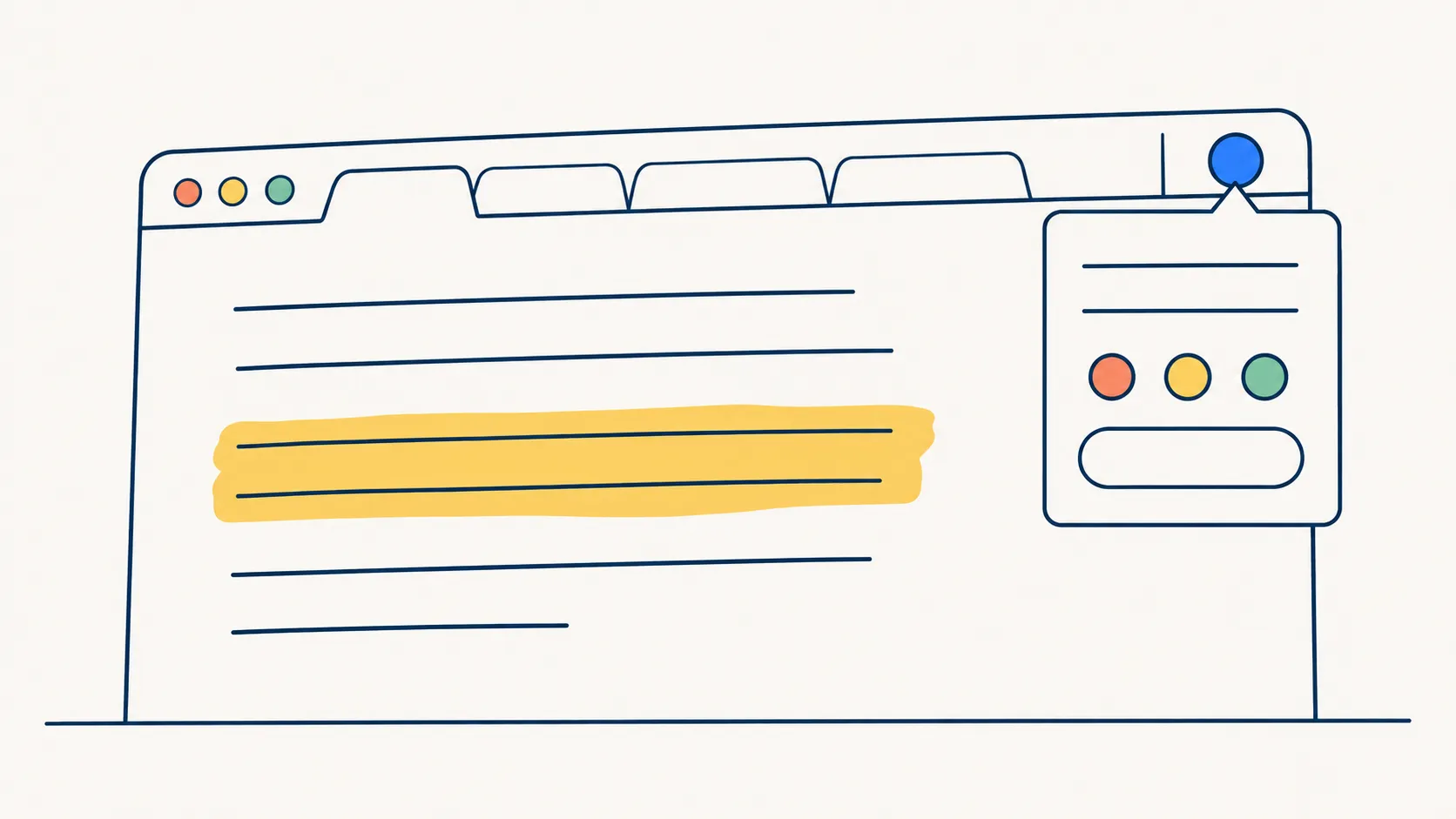
Highlight on the page itselfSelect a passage, tap a colour, done. Come back to the page and your highlights are drawn right where you left them. They appear in your Notebook too. More about the highlighter.
Highlights waiting when you arriveSwitch it on and any page you have saved shows its highlights the moment it loads, no click needed.
Right-click menuSave a link, a picture or selected text straight to your Inbox.
Already-saved dotThe toolbar button shows a dot when the page is already in your library. Your browsing stays in your browser.
Save all open tabsUntick any, choose a board or let boilerpod make one named with the date, and close them all once they are safely saved.
Side panelIn Chrome, Edge and Firefox: where this page is saved, your newest saves, and a search box over your whole library.
Import this browser’s bookmarksOne click copies your bookmarks into boilerpod, folders and all, with a preview of where they will land. Your browser is left as it was. How the import works.
Close the popup, the save still finishesMove on straight away. The page arrives on its own.
Connecting it
Press Connect to boilerpod in the popup, approve once, and you are done. You never paste a token, and the extension never stores your password.
Every connected browser is listed in Settings → Browser extension. Disconnect any of them and it stops immediately.
Private by design
- The extension sends nothing from pages you do not save, and it runs no analytics or tracking.
- What you browse stays in your browser. boilerpod only ever sees the pages you choose to keep.
- It reads a page only when you click it, so there is no “read all your data on all websites” warning.