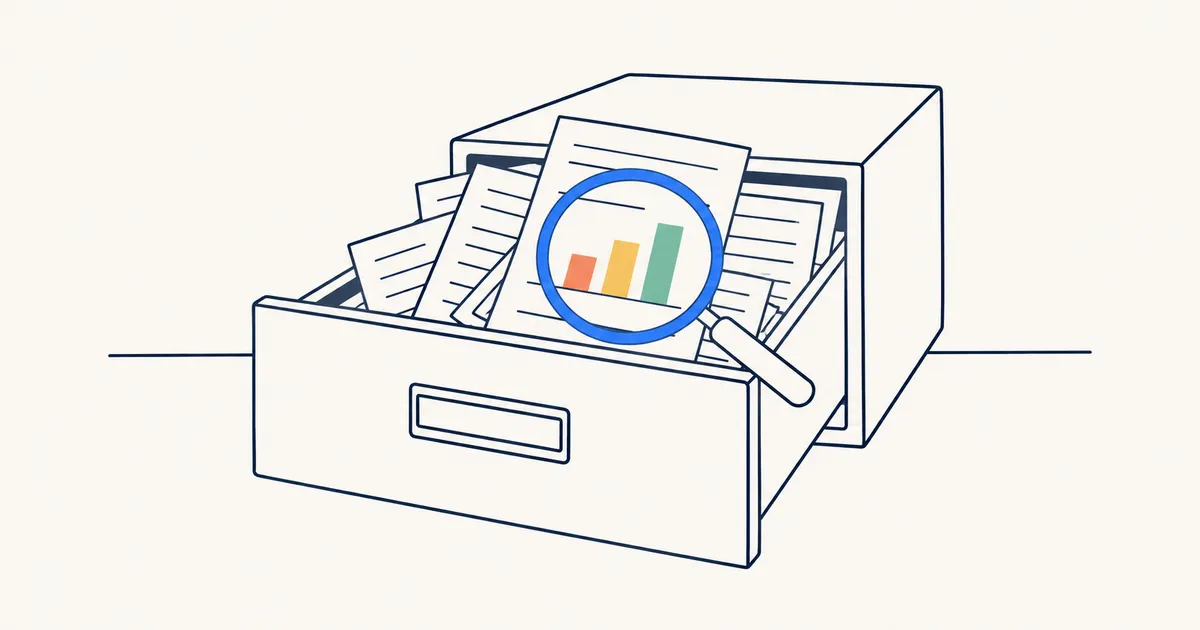
You remember the article. It argued that weekly reviews fail because people plan too much. It had a chart with three coloured bars. You saved it, probably in spring.
You don’t remember the title, the site or who wrote it. So you type “weekly review” into your bookmarks and get nothing, because the title was something like “Why your Sundays feel wasted”.
Why your bookmarks can’t find it
A browser bookmark keeps two things: a title and an address. Chrome’s @bookmarks search looks at those and nothing else. The words you remember were on the page, and the page was never kept.
History doesn’t help either. Chrome lists the pages you visited in the last 90 days, so the spring article is gone by autumn. Chrome’s newer history search understands what a page was about, but it works only in the US, only in English, and only for pages you visited after you switched it on. Short one-word searches there still match only titles and addresses.
Screenshots feel like a fix. A screenshot is a picture of words, though. Most search tools can’t read it, and it doesn’t link back to the page.
| Where you kept it | What it keeps | Can you search what the page said? |
|---|---|---|
| Browser bookmark | Title and address | No |
| Chrome history | Pages you visited in the last 90 days | No, and pages drop out after 90 days |
| Chrome’s newer history search | Pages visited after you switch it on | US and English only; short searches match titles and addresses |
| Screenshot | A picture of the words | Most search tools can’t read it |
| A library that keeps the full text | The page’s own words | Yes |
How to find an article you half remember
Whatever tool you use, two things matter.
Keep the page’s words when you save
Search can only find text it has. A tool that stores only the address will fail you the same way your bookmarks do.
How the page gets saved matters too. If the tool fetches the page by itself, a paid article or a newsletter archive comes back as a sign-in screen. Saving from your own browser while you’re signed in keeps what you actually read.
Keep a copy as well. Sites get redesigned, posts go behind paywalls and blogs shut down. If all you kept was the address, the text you’d search for goes with it.
Search with what you remember around the page
You rarely remember the title, but you usually remember more than you think:
- An odd word. Common words match hundreds of saves. A name, a number or an unusual term matches a handful. “Sunday” and “overplanning” beat “productivity tips”.
- Roughly when. “Sometime in the spring” rules out most of a library.
- Where you read it. A newsletter, a particular magazine, a work page.
- What you did with it. Did you finish it? Did you highlight a line?
- Exact words, but only when you’re sure. A quoted phrase is perfect for a line you can almost recite and useless for a paraphrase.
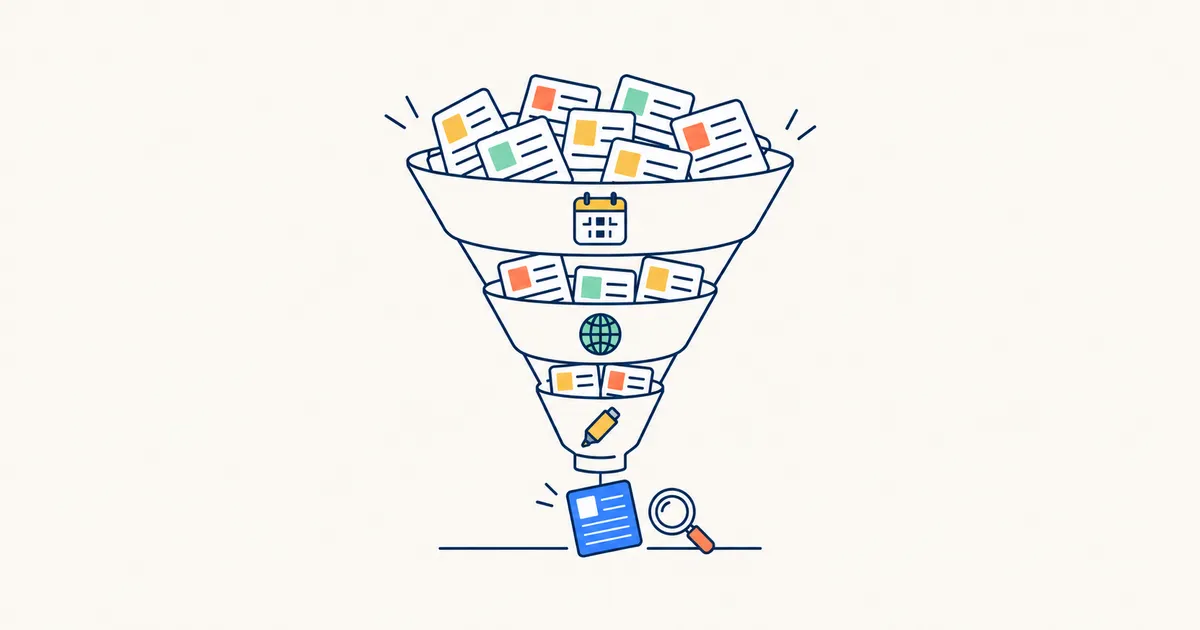 FIG. 01 · Each detail you remember cuts the list down.
When something makes you want to save it, add a line in your own words. The author wrote “planning debt”; you’ll remember “overplanning”. A note bridges that gap.
How boilerpod does this for you
boilerpod is a personal library for the links, articles, PDFs and books you save, with one search that reads the words inside them.
Save a page with the boilerpod browser extension, for Chrome, Edge, Brave, Firefox and Safari on Mac. It arrives with its words, exactly as you saw it, including pages behind a login or paywall and pages on your company network. Have a sentence selected when you save and it’s kept as a highlight, so the line that made you save it is waiting for you later.
The search reads titles, descriptions, your notes, addresses and the full text of every saved page, PDF and book, and it allows for small typos. Matches inside a page show up with a short quoted snippet and your words marked, so you often know you’ve got the right one before you open it.
Then add what you remember around it and the list shrinks fast. Narrow to:
- one site
- things saved in the last three months
- articles you never finished
- pages you highlighted
- saves you never opened again, which is often where the lost one is
PDFs and books open at the right page
The result tells you which page or chapter matched, and opens right there. The phrase you remember from page 212 of a long report is one click away.
When the original changes or disappears
Keep a permanent copy of any article and it stays readable, pictures included, after the original changes or vanishes. If the paragraph you remember is gone from the live page, your copy still has it as it was when you saved it.
Each time boilerpod reads a page again and finds it changed, its page history shows you word by word what changed between the versions it kept.
Searches you’ll run again
Some searches come up again and again: everything on one project, everything from one writer. Save the search as a view and pin it to the sidebar. It fills itself as new saves arrive.
You don’t have to start from nothing. Bring in your browser bookmarks, your Pocket export or your Raindrop library, and nothing is saved twice.