You have hundreds of bookmarks, maybe thousands. Some go back to a laptop you no longer own. Each one seemed worth keeping when you saved it, and you almost never open any of them.
The bookmarks bar gives you no reason to go back. It can’t tell you which links you’ve ignored longest, which you’ve never opened, or which ones now lead nowhere.
Why old bookmarks just sit there
Three things work against you.
- There’s no order. Folders show links alphabetically or in the order you saved them, which tells you nothing about what needs a look.
- There’s no memory. Nothing records whether you opened a link, read it, or decided it wasn’t worth it, so every visit starts from scratch.
- Many links are dead. Pew Research found that 38% of web pages that existed in 2013 were gone a decade later. Open a bookmark from 2016 and there’s a fair chance you get an error page.
So when you finally sit down to deal with it, the first few clicks are dead ends, you can’t remember where you got to, and you give up.
The usual fixes, and who they suit
Most advice comes in three kinds.
| Approach | What it does | Suits |
|---|---|---|
| Delete the lot | Start again with an empty bar | People sure nothing in there matters |
| Random-bookmark extensions | Open a random saved link on each new tab or on a schedule | People who like a surprise and have a small, tidy collection |
| Just search | Leave everything and search when you need something | People who remember what they saved |
A queue works better: dead links out first, then the links you’ve ignored longest, a few at a time, with a record of each decision.
How to work through old bookmarks as a queue
- Clear out the dead links first. Check every link and remove the ones that are gone, so you get the easy wins before you spend a minute reading.
- Sort what’s left by how long you’ve ignored it. Start with the oldest links you haven’t opened in months: they’re the most likely to be finished with, or to be the gem you forgot.
- Work in small batches of ten or twenty. Stop when the time is up.
- Decide once for each link. Keep it and file it somewhere useful, archive it, or delete it. Don’t just close the tab.
- Look separately at the links you never opened at all. They’re often “read later” items that deserve either a real read or a quick goodbye.
Archive, don’t delete, when you’re unsure. The link leaves your queue but stays findable if you ever search for it.
Step four matters most. Without a record of each decision, you meet the same link again next month and make the same call again.
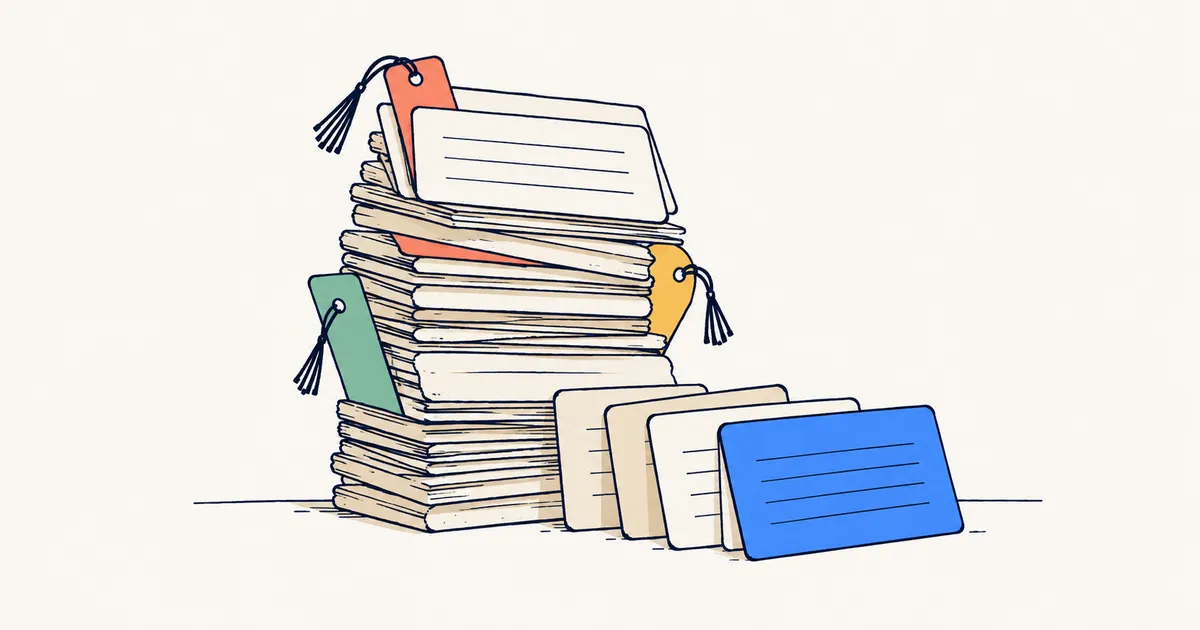
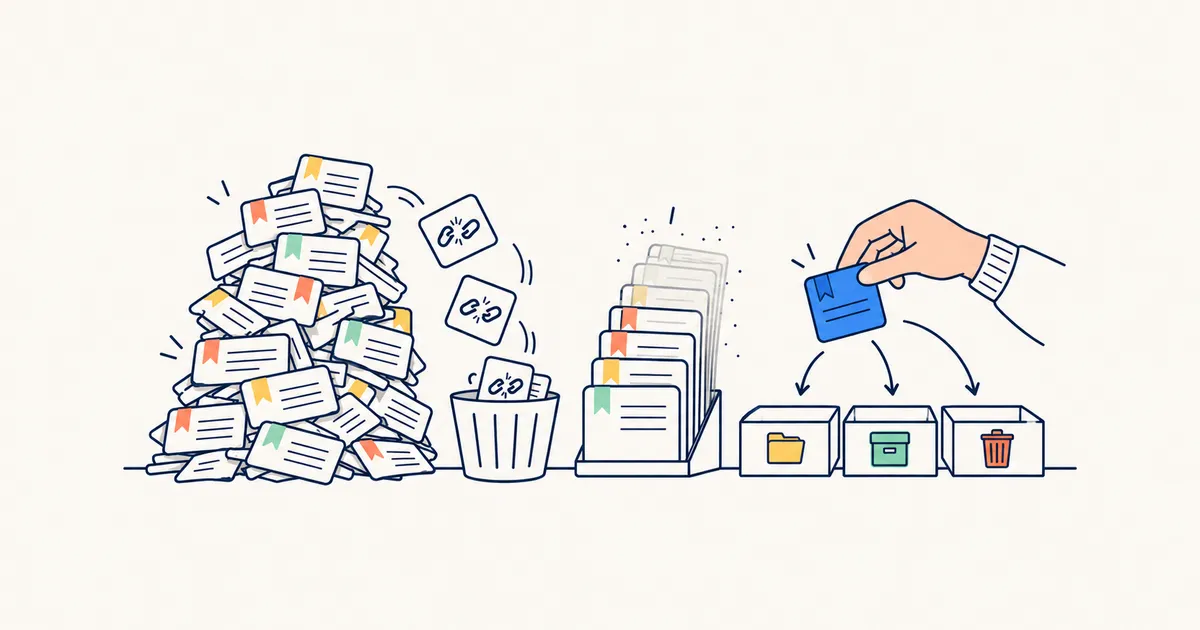 FIG. 01 · Dead links out first, then the oldest, one decision each
How boilerpod turns your bookmarks into a queue
boilerpod is a personal library for your links, articles, PDFs and books, with a browser extension and a web app.
Start by bringing in your bookmarks from Chrome, Firefox, Safari, Edge, Brave, Opera or Vivaldi. Each one arrives with the date you first saved it, in the folders you made. You see a preview of how your folders will land before anything is saved, and importing the same file twice never creates duplicates.
Then deal with the dead links. boilerpod checks links when they’re saved, and “Check my links now” in the Broken links view re-checks your whole library, imports included. A link only counts as dead when the site says the page is gone or the domain no longer exists, never just because a site was slow. If one gets flagged and you know it’s fine, say so and it stops being flagged.
Forgotten shows the links you’ve ignored longest
Forgotten is a built-in view of everything you saved more than 90 days ago and haven’t opened in the last 90 days. It’s sorted oldest first, so the links you’ve ignored longest sit at the top.
Right after an import, that’s most of your library: the backlog you want to work through. Would a year suit you better than 90 days? Change it. Pin the view to your dashboard and you’ll see the count go down as you work.
boilerpod also tracks “never opened” separately from “unread”. A link counts as opened only when you click through or read it, not when it scrolls past in a list, so the pile of things you saved and never touched stays accurate.
Every decision sticks
Select a batch and archive it, delete it, tag it or move it to a board (boards work like folders, and one link can sit on several). Archive and delete come with undo. Archived links stay searchable, so nothing you let go of is really lost. Once you open a link, it drops out of Forgotten by itself.
A few more things help once the queue is moving:
- Group Forgotten by tag, site or board and take one at a time, like every link on your Recipes board in one sitting.
- The duplicate finder spots the same address saved more than once, even when tracking codes or “www.” make the copies look different.
- Articles open in a clean reader that remembers where you stopped, on every device.
If you also want to remember why you saved something next time, read the guide.
Start with your own bookmarks
Bring your browser bookmarks into boilerpod and run “Check my links now” first to clear the dead ones. Then let Forgotten hand you the first batch. Free plan available.